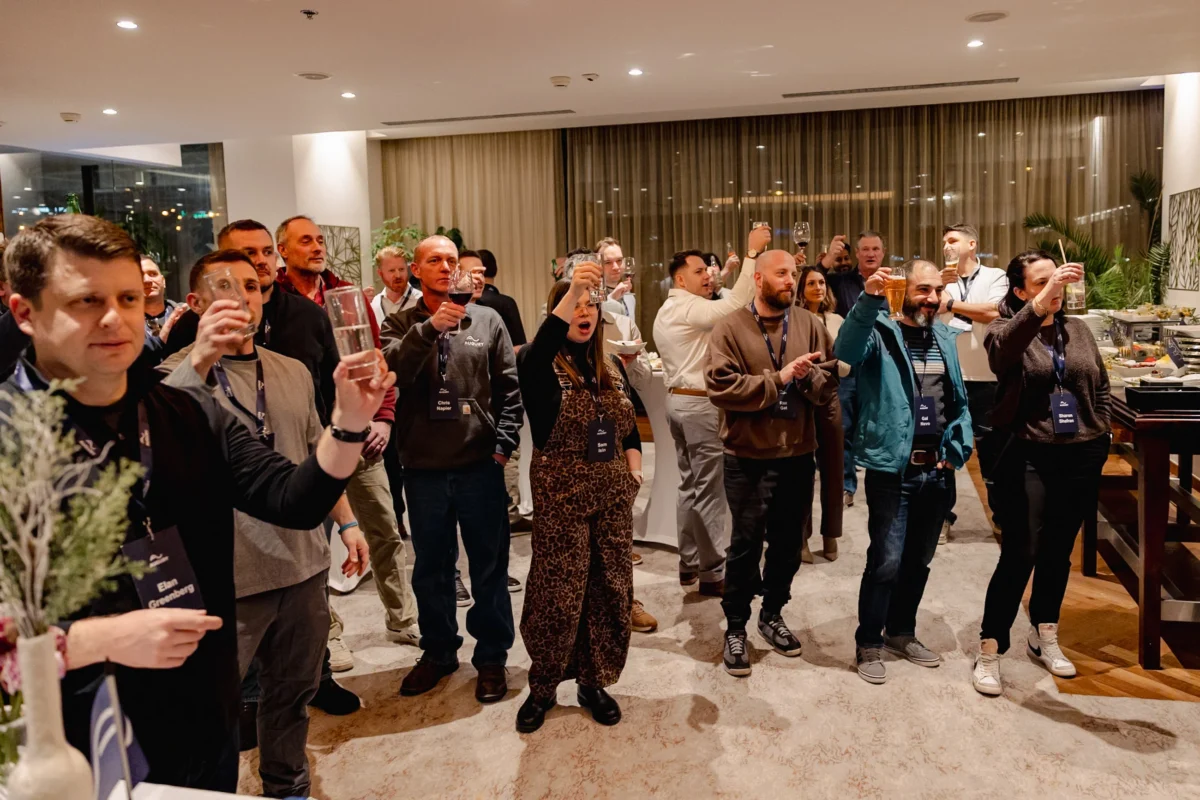

Golf Days and Executive Retreats: Photographing Corporate Leisure Events Around Prague
September 10, 2026

December in Prague Is Filling Up: Book Your Christmas Party Photography Now
September 11, 2026When snow falls over Prague during corporate events, it transforms the city’s baroque rooftops and cobblestone courtyards into something genuinely cinematic. But for event photographers, that same magical snowfall introduces two of the most technically unforgiving challenges in the craft: exposure compensation in high-contrast winter scenes and the white balance trap that turns pristine snow into a muddy grey mess. Whether you’re documenting a product launch at a Gothic venue in Malá Strana or a gala dinner with a terrace view of a snow-dusted Prague Castle, mastering these two elements is the difference between photographs that close deals and photographs that collect dust in a shared drive.
Why Snow Creates a Unique Exposure Problem at Prague Corporate Events
Your camera’s light meter is calibrated to render any scene as 18% middle grey. That works beautifully when the world cooperates. Snow does not cooperate. A Prague courtyard blanketed in fresh white snow reflects an enormous amount of light — far more than the meter expects — and the camera responds by underexposing the scene. The result is grey, lifeless snow, murky executive portraits, and corporate imagery that fails to communicate the prestige your client paid to create.
Understanding the Meter’s Fundamental Assumption
In-camera metering systems — whether matrix, evaluative, or spot — operate on the assumption that the average luminosity of any scene should equal 18% grey. Snow is closer to 90–96% reflectance. The gap between what the meter assumes and what the scene actually is becomes your exposure error. At Prague’s historical venues like Žofín Palace or the courtyards of the National Museum, where stone architecture and white snow create extreme tonal contrast, this error is compounded by harsh midday winter light bouncing off multiple reflective surfaces simultaneously.
Positive Exposure Compensation: The Practical Solution
The fix is deliberate and consistent: dial in positive exposure compensation. In most snow-dominant scenes at Prague outdoor or semi-outdoor corporate settings, a starting point of +1.0 to +1.7 EV is appropriate. Adjust based on the proportion of snow in the frame. A wide establishing shot of a snow-covered Vyšehrad terrace needs more compensation than a tight portrait of a keynote speaker standing in a doorway with snow visible only in the background.
Use your histogram — not the LCD preview — as your reference. You want the snow tones to push toward the right side of the histogram without clipping. Blown-out snow is irretrievable in post-processing. Slightly underexposed snow, while disappointing, can usually be recovered. When in doubt, expose to the right without clipping.
The White Balance Trap: When Snow Looks Wrong Despite Correct Exposure
Even with exposure compensation dialed in correctly, many photographers fall directly into the second trap: incorrect white balance rendering snow in a blue, cyan, or muddy tone. This is not merely an aesthetic issue at corporate events — it is a brand and credibility issue. A company’s annual conference photographs showing grey-blue snow on their communications material signals careless production, regardless of how well the event itself was organized.
Why Auto White Balance Fails in Snow Conditions
Auto White Balance (AWB) algorithms analyze the scene and attempt to neutralize dominant color casts. In winter snow conditions, AWB frequently identifies the cool blue spectrum of overcast Prague skies and snow shadow reflections as a “cast” to be corrected — and overcorrects in the warm direction, creating orange skin tones and yellow-tinted snow. Alternatively, it may interpret the scene correctly for the sky but incorrectly for the snow, resulting in inconsistent color rendering across a sequence of images that are meant to tell a cohesive corporate story.
Choosing the Right White Balance Setting for Prague Winter Events
For outdoor and mixed-light Prague corporate events in snowy conditions, consider these approaches:
- Cloudy preset (approx. 6500K): Excellent for overcast Prague winter days. Adds slight warmth that flatters skin tones without making snow appear yellow.
- Shade preset (approx. 7500K): Use sparingly. Works when shooting in deep shade cast by Prague’s narrow Old Town streets, but can over-warm snow in open areas.
- Custom Kelvin value (5800K–6200K): The most controlled approach. Set a custom Kelvin value by shooting a grey card or ExpoDisc in your primary shooting location before the event begins. This gives you a repeatable, scene-specific baseline that AWB cannot replicate.
- Shoot RAW: This is not optional at professional corporate events in challenging conditions. RAW files give you the latitude to correct white balance in post-processing without quality loss. JPEGs shot in snow conditions with incorrect white balance are, in professional terms, almost unusable at high resolution.
Snow Shadow: The Hidden Color Variable
One element that even experienced photographers overlook is the color temperature of snow shadows. Snow in direct light reads near-neutral white. Snow in shadow reflects the blue of the open sky and reads at 8000K–10000K. When your frame contains both lit and shadowed snow simultaneously — common at Prague’s partially covered venues and arcaded courtyards — no single white balance setting renders both correctly. The professional solution is to prioritize the skin tones of your subjects and accept that shadow snow will have a slight blue cast, or to use targeted color correction in post-processing on shadow zones only.
Mixed Artificial and Natural Light: Prague’s Most Common Corporate Event Challenge
Prague corporate events rarely happen in purely natural light. Winter events are frequently scheduled around the city’s iconic golden-hour glow, or held in venues where warm tungsten chandeliers mix with cold blue snow light through tall windows. This is photographically beautiful and technically treacherous.
Handling Mixed Light Sources
When warm interior light and cool exterior snow light occupy the same frame, as they often do at venues like Lobkowicz Palace or Prague’s riverside event spaces, you have three realistic options:
- Expose for the dominant light source: Identify which light source illuminates your primary subject (usually the executive, speaker, or award recipient) and white-balance to that source. Accept the color cast from the other source as a stylistic element.
- Use gels on your flash: Attach a CTO (Color Temperature Orange) gel to your speedlight or off-camera flash. This warms your artificial light to match the tungsten ambient, creating consistency. Then set white balance to tungsten (approximately 3200K), which renders the snow-blue exterior as a naturally cool, cinematic background — a look that works exceptionally well for premium corporate event photography.
- Shoot RAW and blend in post: Capture in RAW, apply different white balance corrections to different luminosity masks in post-processing. This is time-intensive but produces the most technically flawless results for hero images and printed corporate materials.
Practical Workflow for Snow-Day Corporate Event Photography in Prague
Technical knowledge means nothing without a repeatable workflow. Here is a condensed pre-event and on-event protocol designed specifically for Prague corporate events in snowy conditions:
Before the Event
- Arrive at least 45 minutes early to assess available light and snow coverage in each shooting zone.
- Set a custom white balance in each primary shooting location using a grey card.
- Confirm your camera is set to RAW + JPEG for workflow flexibility.
- Take test exposures in each zone and check the histogram for snow rendering without clipping.
- Note your baseline exposure compensation values per zone (e.g., +1.3 EV in the courtyard, +0.7 EV in the covered entrance).
During the Event
- Recheck exposure compensation every time you move between indoor and outdoor zones.
- Use the Highlight Alert (blinkies) on your camera to immediately identify any overexposed snow areas.
- When photographing executive portraits in snow, meter from the face, not the scene average.
- Be aware of reflective snow light filling shadows on faces — this is often flattering and should be used intentionally as natural fill light.
Post-Processing Snow Images for Corporate Use
The final step in delivering impeccable corporate event photographs from a snowy Prague setting is disciplined post-processing. In Adobe Lightroom or Capture One, address these elements in order:
- White Balance first: Use the eyedropper on a neutral grey reference point in the scene (stone, pavement, a white card if present). Do not use snow itself as your neutral — it is rarely a true neutral.
- Recover highlights: Pull back highlights and whites to reveal any near-clipped snow detail.
- Lift shadows carefully: Snow scenes often benefit from lifted shadow values (35–50 on a 0–100 scale) to reduce the tonal gap between the bright snow and the darker architectural elements of Prague’s venues.
- HSL panel — Aqua and Blue desaturation: If snow appears slightly blue or cyan, reduce the saturation of blue and aqua channels specifically. This is more precise and less damaging than adjusting the overall white balance temperature.
- Skin tone verification: Always do a final skin tone check. Prague winter corporate events involve clients who expect professional, flattering representation. Snow scenes can leave skin looking too cool or too desaturated if global adjustments are applied without verification.
Frequently Asked Questions
How much exposure compensation should I use when photographing a corporate event in snow at a Prague outdoor venue?
A reliable starting point is +1.0 to +1.7 EV of positive exposure compensation, depending on how much of the frame is dominated by snow. Use your histogram as your primary reference tool — aim to push snow tones toward the right side of the histogram without clipping. For frames where snow is a minor background element, reduce compensation accordingly. Always recheck when moving between zones or when cloud cover changes, as Prague winter light can shift rapidly throughout an event.
Why does my camera’s Auto White Balance make snow look grey or blue at Prague winter events?
Your camera’s AWB system attempts to neutralize what it perceives as a dominant color cast. In overcast Prague winter conditions, the cool blue spectrum from snow shadows and overcast sky can cause AWB to either overcorrect toward warm tones (making snow appear yellowed and skin appear orange) or to inconsistently shift between frames as the scene composition changes. The solution is to set a custom Kelvin white balance value (typically 5800K–6200K for overcast conditions) or use the Cloudy preset as a reliable starting point, combined with RAW capture for full post-processing control.
How do I handle the mixed light situation where warm chandeliers inside a Prague venue contrast with cold blue snow light coming through the windows?
This is one of the most common and beautiful challenges in Prague corporate event photography. The most professional approach is to gel your flash with a CTO gel to match the warm ambient light, then set your white balance to tungsten (around 3200K). This renders skin tones warmly and naturally while the exterior snow scene takes on a cool blue cinematic quality that actually reads as premium and intentional in the final images. Alternatively, shoot in RAW and apply targeted white balance corrections using luminosity masks in post-processing for the highest technical precision on hero shots.
ProEventPrague.com’s Founders Tips by Kemal Onur Ozman
The tip nobody talks about: use the snow itself as a portable reflector — but compensate for it deliberately.
After years of photographing corporate events across Prague’s most demanding winter venues, the most underutilized tool I have found is the snow on the ground itself. When positioning executives or speakers for portrait moments during outdoor receptions or venue transitions, I always position the subject so that the snow-covered ground in front of them acts as a natural fill reflector. The white snow bounces extraordinary amounts of soft, even light up into the face — eliminating the harsh under-eye shadows that typically plague outdoor winter portraits. This fill is free, omnidirectional, and flattering in a way no artificial reflector can fully replicate.
The critical professional nuance: this reflected snow light has a color temperature of approximately 7500K–9000K — considerably cooler than daylight. If you have already set your white balance to 6200K for the overcast sky, the snow-reflected fill light will introduce a subtle blue-green cast into the shadow areas of the face. The fix is to set your white balance slightly warmer than you think is correct — around 6600K–7000K — which compensates for the cool fill while keeping the overall image from looking too warm in the highlights. It is a small, counterintuitive adjustment, but the difference in the final portrait is immediately visible. This is the kind of calibration that separates event